

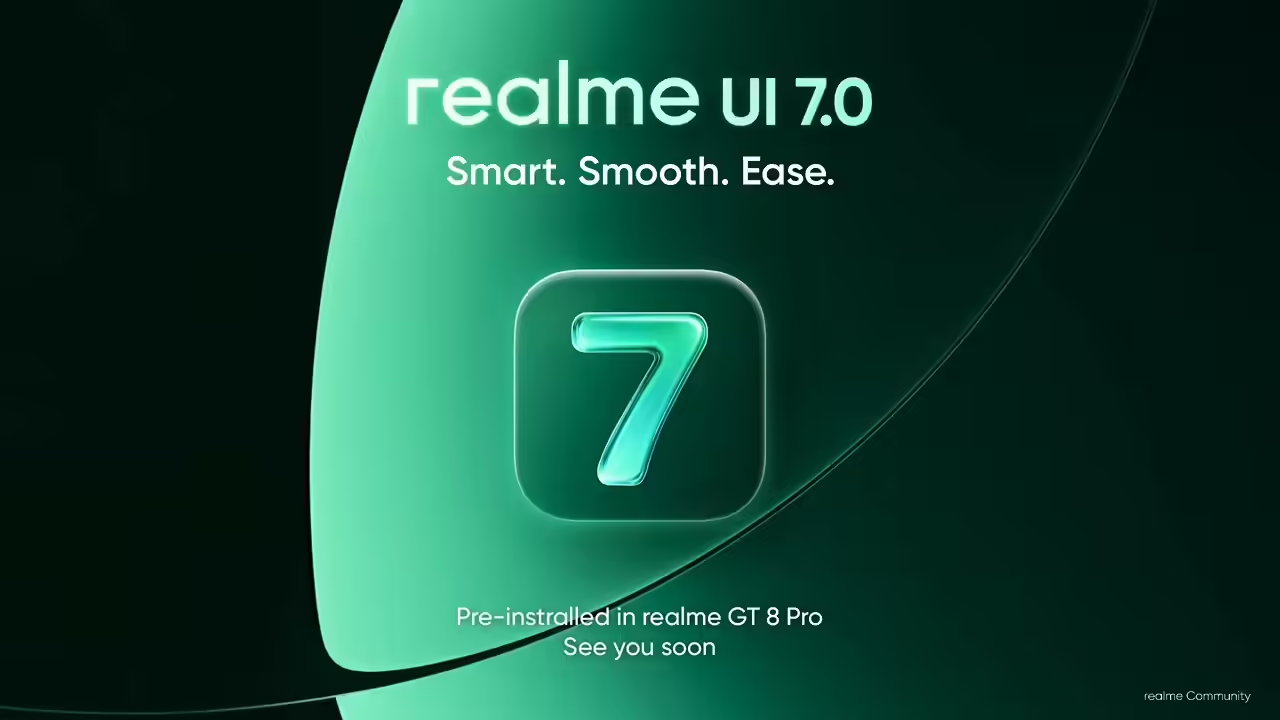
In a move that has excited Android enthusiasts and loyal Realme users alike, the company officially announced UI 7.0, the latest custom user interface based on the upcoming Android 16 operating system. This update promises not only a refreshed design aesthetic but also a host of new features aimed at enhancing user experience, privacy, and device performance. The rollout schedule has also been outlined, offering clarity for users of eligible devices eager to experience the future of Realme’s software ecosystem.
Rollout Schedule: Which Devices Are Eligible?
Realme has adopted a phased approach to deploying UI 7.0, ensuring a smooth transition across its device lineup. According to the official announcements, the rollout primarily targets flagship and mid-range smartphones launched from 2021 onward. Eligible models include:
- Realme GT series
- Realme 9 series and above
- Realme Narzo series (latest models)
- Selected older models undergoing hardware compatibility tests
Here is the general schedule:
- Initial beta release for select models by late October 2023
- Broader rollout begins November 2023 with regular incremental updates
- Full deployment expected across all eligible devices by mid-December 2023
New Features Introduced in UI 7.0
Design Refresh with Light Glass Effect
One of the most noticeable changes in UI 7.0 is the adoption of a Light Glass design element, giving the interface a sleek, modern, and premium feel. This design language emphasizes transparency, soft edges, and subtle animations, making the overall look more appealing and closer to the aesthetics of flagship phones like iPhones and high-end flagships.
Enhanced Live Wallpapers & Aesthetic Customizations
Building on user preferences for personalization, UI 7.0 introduces Dynamic Live Wallpapers, which respond to various system parameters such as time of day and ambient lighting. Users can now choose from a curated library of animated backgrounds that add vibrancy to the home and lock screens, elevating the aesthetic appeal.
Improved Security with Advanced Fingerprint Animations
Security features have been substantially upgraded. The introduction of innovative fingerprint animations enhances visual feedback during biometric authentication, making the unlocking process more engaging. Additionally, improvements in face recognition algorithms provide faster and more accurate login methods.
AI-Powered System Optimization
AI integration plays a crucial role in improving device responsiveness and battery management. UI 7.0 intelligently adapts to user habits, optimizing background processes, and reducing power consumption. This ensures longer device lifespan and better performance in daily usage.
Improved Multitasking and Multiwindow Support
Multitasking capabilities have been refined with enhanced multi-window support, allowing users to easily run and switch between multiple apps seamlessly. Gesture controls for split-screen modes have become more intuitive, boosting productivity and multitasking efficiency.
Support for iPhone and Apple Watch-like Features
Realme UI 7.0 introduces a new ecosystem feature set that echoes functionalities found on the latest iPhones and Apple Watches. These include quick device pairing, synchronized notifications, and a refined control center that offers deeper customization options. This positions Realme devices as more versatile companions within a broader tech ecosystem.
Additional Notable Features
- Dark Mode Enhancements: Transition smoothing and scheduling options for a more comfortable viewing experience in low-light environments.
- Enhanced Gaming Mode: Optimizations for reduced latency and enhanced graphics, enabling smoother gameplay without draining battery excessively.
- Smart Sidebar & Quick Access Tools: Customizable tools accessible via gestures for faster multitasking.
- Localized Language and Accessibility Improvements: Better support for regional languages and accessibility features for users with visual or motor impairments.
How to Update: Steps for Eligible Users
Eligible users should receive an OTA (Over-the-Air) notification prompting for the update. For manual checking:
- Navigate to Settings on your respective Realme device.
- Go to Software Update.
- Tap Check for updates.
- If UI 7.0 is available, follow on-screen instructions to install.
It’s recommended to ensure your device is charged and has a stable Wi-Fi connection during the update process to prevent interruptions.
Expected Impact and Future Prospects
The arrival of UI 7.0 signifies a strategic step for Realme to position itself as a serious contender in the premium smartphone segment. By integrating these new design elements, security features, and AI optimizations, Realme aims to improve overall user satisfaction and retention.
Moreover, the extended ecosystem features suggest a future where Realme devices could seamlessly integrate with other smart home gadgets, wearables, and perhaps even cross-brand interoperability, aligning with industry trends towards interconnected ecosystems.
Conclusion
Realme’s launch of UI 7.0 built upon Android 16 marks an exciting chapter for users seeking a blend of modern design, enhanced functionality, and intelligent system management. The company’s organized rollout plan ensures that passionate users will gradually enjoy these features, boosting the usability and appeal of their devices.
As with every significant update, users should stay alert for notifications and ensure their devices are prepared for the upgrade. This update not only enhances current device capabilities but also sets the foundation for future innovations in the Realme ecosystem.
For more updated news please keep visiting Hourly Prime News.