

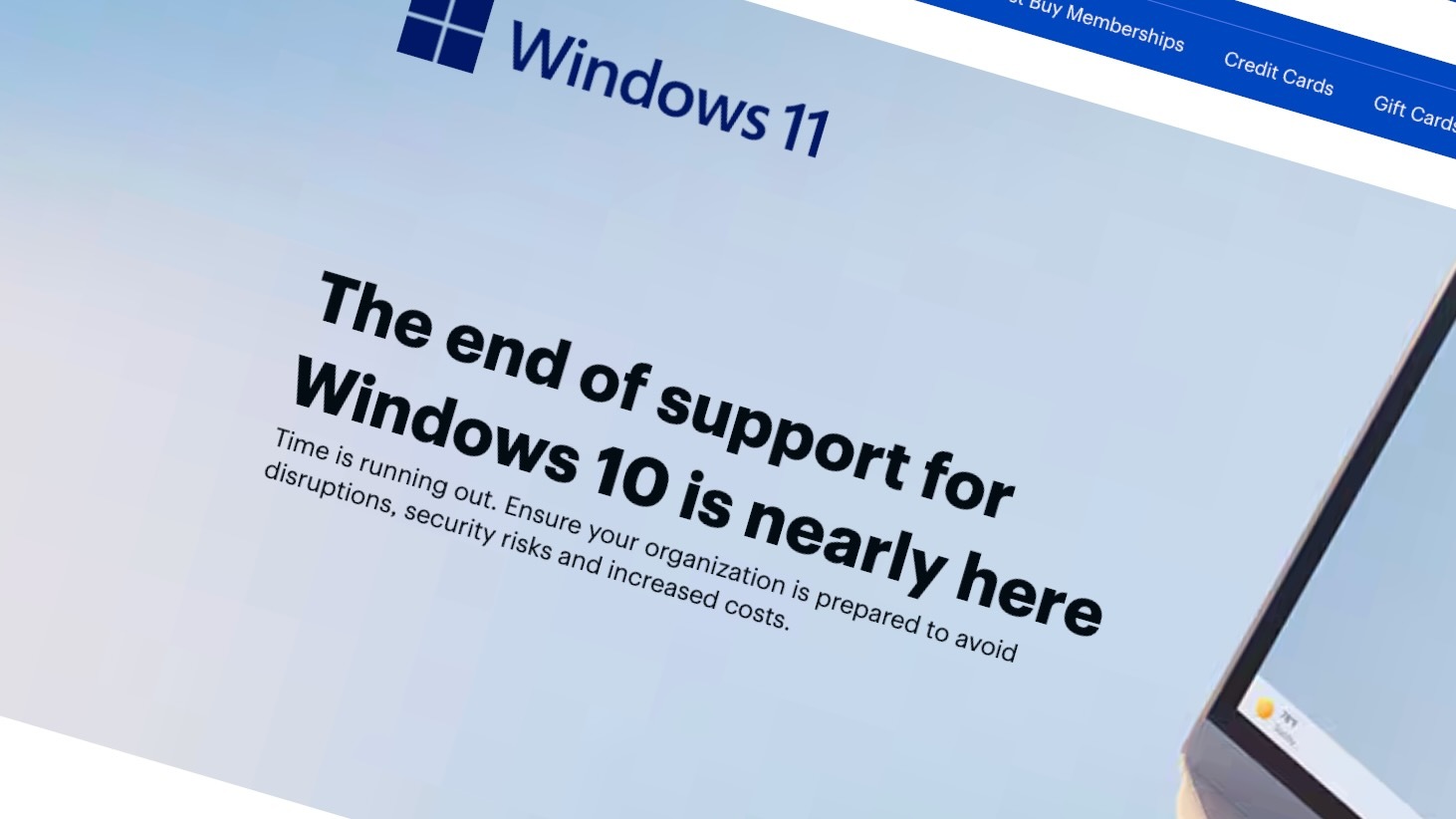
In a major transition that impacts millions of Windows users worldwide, Microsoft has announced the ending of support for Windows 10. This decision marks the culmination of a gradual phase-out, prompting users and organizations to evaluate their next steps to keep their systems secure and efficient. The announcement, covered extensively by tech news outlets such as IT Brief New Zealand and other tech news portals, highlights the pivotal moment for Windows users everywhere.
Why Is Microsoft Ending Support for Windows 10?
Microsoft’s support lifecycle for Windows operating systems typically spans several years, providing security updates, patches, and technical assistance. Windows 10, released in 2015, reached its mainstream support end on October 14, 2025. This means Microsoft will no longer provide security updates, bug fixes, or technical assistance for Windows 10, making systems increasingly vulnerable to security threats.
The rationale behind this move is multifaceted:
- Transition to a more secure, modern OS platform: Microsoft has been pushing users towards Windows 11, which offers enhanced security features.
- Operational efficiencies: Supporting outdated software strains resources and diverts focus from evolving platforms.
- Encouraging upgrade cycles: This end-of-support announcement serves as a catalyst for users to migrate to newer, safer systems.
Security Concerns for Windows 10 Users
The primary consequence of support ending is increased security risk. Without the latest patches, Windows 10 devices become vulnerable to malware, ransomware, and other cyber threats. Hackers continually exploit security loopholes, and unpatched systems offer an easy target.
IT security experts emphasize that running unsupported operating systems is akin to leaving your doors unlocked in a high-crime neighborhood. As older systems no longer receive security updates, vulnerabilities remain unpatched, heightening the risk of cyberattacks.
Potential Risks Include:
- Data breaches exposing sensitive personal or corporate information.
- Increased susceptibility to malware infections that can disrupt operations.
- Weaknesses in security protocols that can be exploited to take control of devices.
How to Transition from Windows 10
If you’re still running Windows 10, this is the time to prepare for the transition. Several options are available to ensure seamless migration and continued security:
1. Upgrade to Windows 11 for Free
Microsoft has made it straightforward for eligible Windows 10 devices to upgrade to Windows 11 at no additional cost. To check your device’s compatibility and upgrade possibility.
2. Use Extended Security Updates (ESU)
If your hardware isn’t compatible with Windows 11, Microsoft offers Extended Security Updates for Windows 10 Enterprise and Pro editions up to a specific deadline. This program allows organizations to maintain security patches for the unsupported OS version, giving more time to plan complete migrations. Details and eligibility can be accessed through Microsoft’s official channels.
3. Transitioning Safely – Best Practices
- Backup Data: Always ensure your essential data is securely backed up before initiating migration.
- Consult IT Professionals: Enterprises should work with IT teams or cybersecurity experts to facilitate a smooth transition.
- Educate Users: Inform staff about security best practices and the importance of system updates.
- Train on New OS Features: Familiarize yourself with Windows 11’s new interface and security features to leverage its full potential.
The Benefits of Moving to Windows 11
While the transition might seem daunting, upgrading to Windows 11 provides numerous benefits:
- Enhanced Security: Windows 11 introduces advanced hardware-based security features, including Secure Boot and TPM 2.0, making systems more resistant to cyber threats.
- Improved User Experience: A fresh, modern interface coupled with productivity enhancements simplifies multitasking.
- Long-term Support: Microsoft will continue supporting Windows 11 with updates, patches, and new features for years to come.
- Compatibility with New Hardware and Software: Windows 11 is optimized for the latest technology, ensuring compatibility for future innovations.
What Should Windows 10 Users Do Now?
It’s crucial to act promptly. The end of support signals the need for a proactive approach:
- Assess your current system’s compatibility with Windows 11.
- Plan for upgrades or hardware replacements if necessary.
- Keep current systems secure until migration by installing all available updates and practicing good cybersecurity hygiene.
- Stay informed through reliable news sources, such as Hourly Prime News, for the latest updates on support deadlines and upgrade strategies.
Future Outlook: Staying Secure in a Changing Digital Landscape
The end of support for Windows 10 is a pivotal moment, emphasizing that maintaining cybersecurity is an ongoing process. Organizations must recognize that outdated systems are vulnerable and act accordingly. Microsoft’s push towards Windows 11 and enhanced security features reflects the broader industry trend of prioritizing safer, more resilient operating environments.
Moreover, users should stay vigilant about cybersecurity threats, regularly update their systems, and educate themselves about safe digital practices. Transitioning to newer operating systems is a critical step, but it should be part of a comprehensive security strategy that includes robust firewalls, antivirus solutions, and user awareness.
In conclusion
As Microsoft phases out Windows 10 support, the message is clear: **upgrading is essential** for maintaining security and access to the latest features. Whether you’re an individual user or part of an organization, taking timely action will ensure your systems remain protected and productive in the evolving digital landscape.
For more updated news please keep visiting Hourly Prime News.